OpenAI's Image Model Can Now Skip the Background Entirely, and It Beats Cutting It Out Afterwards
One parameter gives you a PNG with no background. Baking transparency in during generation handles glass and hair better than any removal tool, and it is in preview through the API.
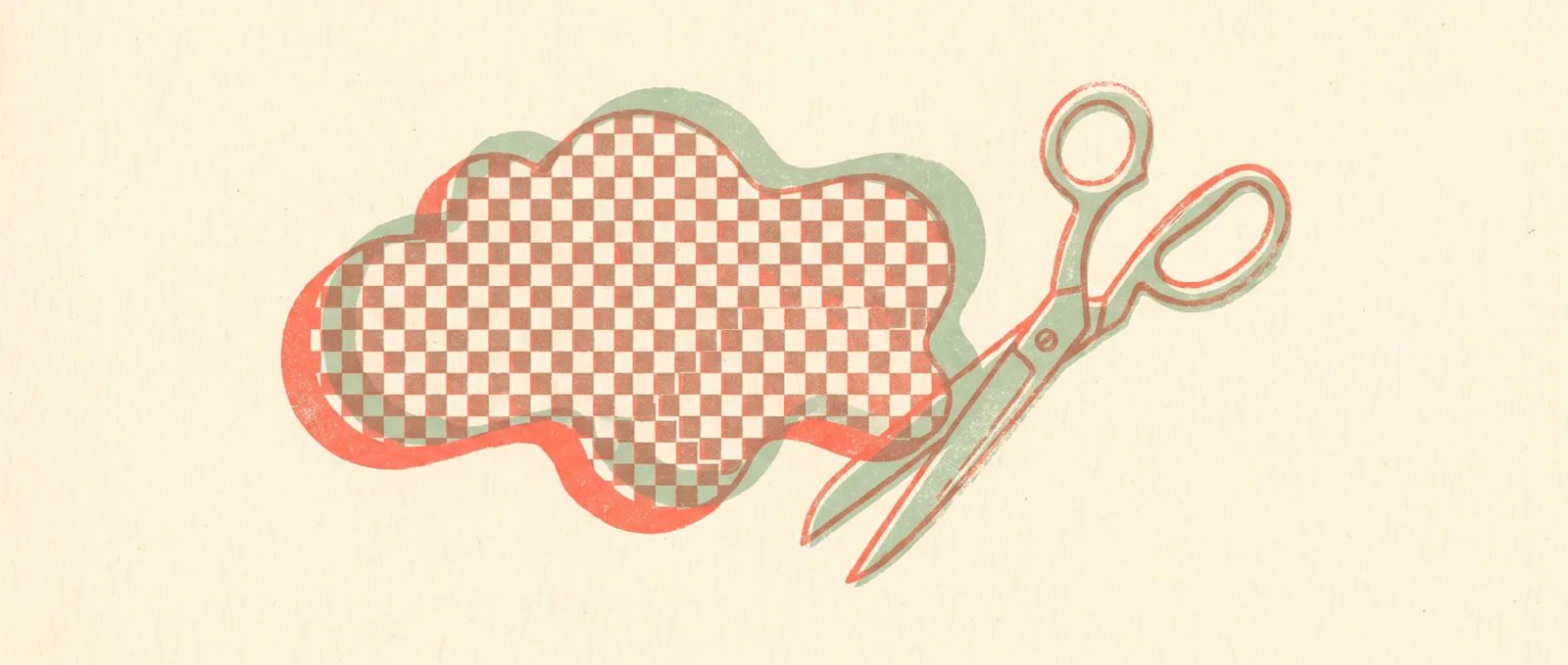
OpenAI has added transparent backgrounds to GPT-Image-2, available in preview through its API. You set one parameter, background=transparent, and you get a PNG with nothing behind the subject. It sounds small. If you have ever tried to cut a product photo out of its background, it is not.
The company published a cookbook, meaning a worked code example rather than documentation, covering four uses: product shots for online shops, diagrams for presentations, design elements like icons and stickers, and merchandise artwork. Setup needs Python, the OpenAI and Pillow libraries, and an API key.
The technically interesting claim is why this beats removing a background afterwards. Conventional removal tools take a finished image and guess where the subject ends. That guess falls apart exactly where you would expect: transparent glass, thin fibres, wisps of hair, anything with a soft or see-through edge. Generating the alpha channel, meaning the transparency information, during generation means the model decides how transparent each pixel is while it is still making the image, rather than a second tool inferring it later from the pixels alone. OpenAI says the results on those difficult edges are noticeably better.
Two practical notes from OpenAI itself. Leave background descriptions out of your prompt entirely, because the model may generate one anyway if you mention it. And for any chart with actual numbers in it, check the values by hand: the model produces raster graphics, not data, and it does not guarantee that the number you asked for is the number you get.
Why this is a bigger deal than it sounds
Background removal has been a whole category of small paid tools for years, and every one of them is a second step in your workflow: generate, export, upload, remove, download, use. Collapsing that into a parameter on the original request removes an entire tool from the chain. That is the quiet pattern in a lot of AI product work right now. The impressive-sounding capability was already there; the useful change is that it now happens in one step instead of four.
What this means for you: If you are curious about AI but not technical, this is not usable yet, since it is API-only and needs a bit of Python. Expect it to show up inside the tools you already use within months, because it is a parameter rather than a product. If you already build with these APIs and you make marketing assets, presentation graphics or shop imagery, this is worth trying this week, particularly on the objects that always defeated your cutout tool. And keep the chart warning in mind. An image of a bar chart is a picture of numbers, not the numbers themselves.
Sources
- Transparent image assets for campaigns and presentations, OpenAI Cookbook
- OpenAI’s GPT-Image-2 can now generate images without a background, The Decoder
Netflix Rebuilt Its Recommendation Engine as a Language Model, and It Won the A/B Test by 0.115 Percent
GenRec turns your viewing history into plain text and lets a fine-tuned open-weight model rank the catalogue. It beat a system Netflix has tuned for years, using 40 times fewer labelled examples.