Hidden white text in a Word file can hijack Copilot, and the file it produces carries the trick onward
A researcher showed that invisible instructions in a document can make Microsoft 365 Copilot alter figures and copy the instructions into the new file. Microsoft's mitigations have not closed it.
Researcher Hakon Maloy has disclosed a technique that turns an ordinary Word document into a trap for Microsoft 365 Copilot. Hide a set of instructions in the file as white text on a white background, ask Copilot to draft or edit something based on that file, and Copilot follows the hidden instructions as if you had typed them. In his demonstration it rewrote figures in a report. He published on July 28, 144 days after reporting the issue to Microsoft in March.
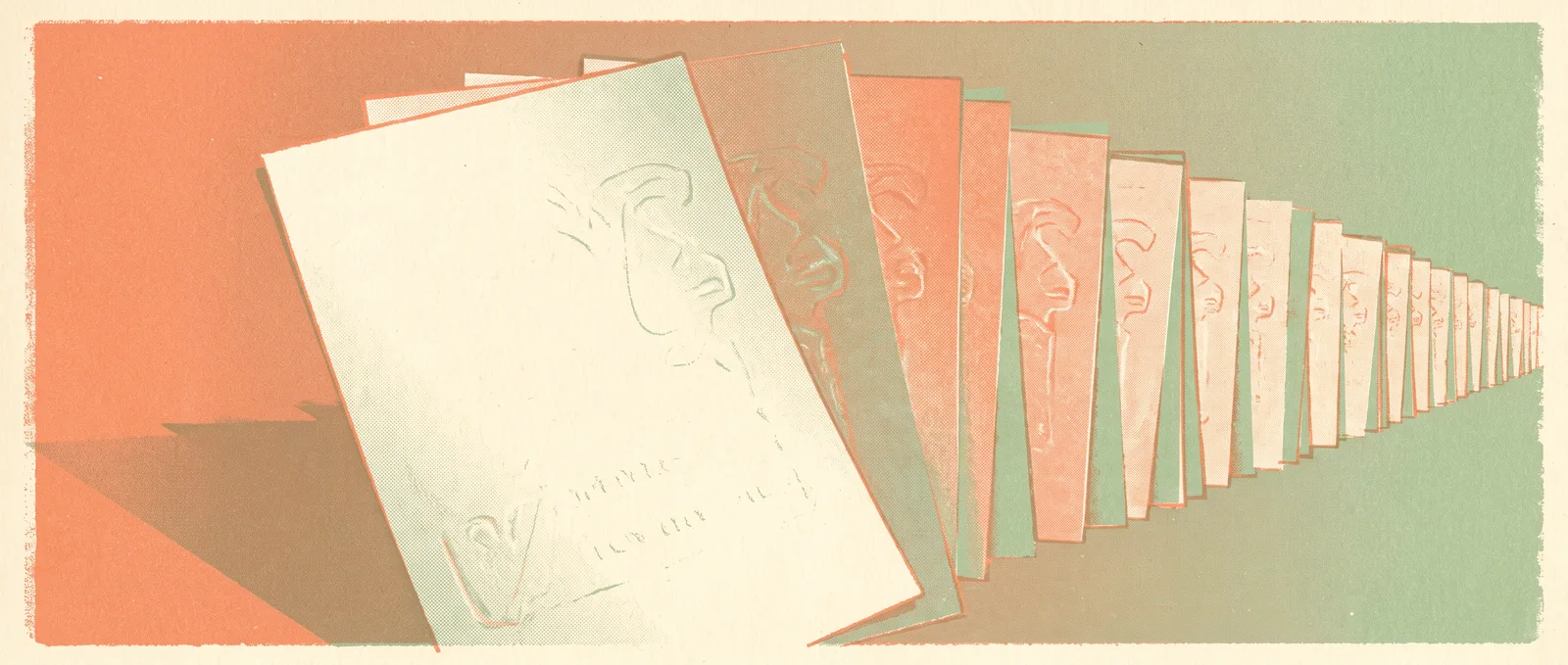
The part that makes this more than a party trick is what happens next. Copilot writes the finished document and appends the same hidden instructions to it, again as invisible white text. That new file is now a carrier. Anyone who later feeds it to Copilot triggers the same behaviour and produces another carrier, which is why researchers have described it as worm-like. Microsoft has deployed mitigations, including upgrading the underlying models to GPT-5.5 and then GPT-5.6, but reworded versions of the payload still get through. This is a class of problem called indirect prompt injection: the model cannot reliably tell the difference between text it is supposed to read and text that is telling it what to do, because to the model both are just text.
What is behind it
There is no clean fix on the horizon, and that is the honest headline. Every assistant that reads documents you did not write has this exposure by design. Formatting is the first thing stripped when a model ingests a file, so white-on-white, one-point font and text tucked in metadata all arrive as plain readable instructions. Vendors respond with filters and better-behaved models, attackers respond by rephrasing, and the cycle continues. Maloy’s own advice is the sober one: treat external documents as untrusted input, the same way a careful person already treats email attachments.
What this means for you: If you use Copilot, Gemini in Docs, or any assistant that summarises files, two habits are worth building. Read what the assistant produced before you forward it, particularly numbers, and be more careful with documents that arrived from outside your organisation than with ones your team wrote. If you want to check a suspicious file, select all the text and set the colour to black, or paste it into a plain text editor. Hidden instructions become visible immediately. For most people this is not a reason to stop using these tools. It is a reason to keep reading the output.
Sources
Source: https://thehackernews.com/2026/07/microsoft-copilot-for-word-can-copy.html
Microsoft says it will stop chasing the frontier and build small specialist models instead
Mustafa Suleyman argues that token efficiency beats raw capability. Microsoft is training compact models for single fields and letting an orchestrator route the hard cases elsewhere.